Wednesday, 20 March 2013

Geography -Animated GIF


What is a animated gif? a animated gif which stands for Graphic Interchanged Form , is a series of photos which are combined together to make a video like continuous clip. For my gif i was given the topic of geography so i thought that i would go down the idea of being a stereotypical geography teacher and trying my best to look strict. to make the GIF we used apple i-movie and we could mess around with how long the pictures changed. Once you have combined all the pictures together you can set it to loop. Gifs can be viewed on web browsers and continue playing.

Monday, 4 March 2013

project review

USE OF MATERIALS
  • What materials/techniques have you experimented with during this project? During this project we have used a variety of different resources from food items to simple camera work. For me the biggest experimental work i did was the coardboard set up stop motion.
  • What skills have you developed during this project? The skills inwhich i have learned are the ability to use a camera to make stop motion and also do time lapse videos i have also improved my skills to edit videos and upload them to youtube.
  • explain what you did, what went well? we used ipads to create simple stop motion and time lapses as a good way to practise.
  • Did you experience any problems with the materials/techniques? What were they? How did you overcome them?  The Materials and techniques we used were pretty straightforward however when it came to using adobe flash i struggled massively.

Friday, 8 February 2013

Stop Motion Animation


This is a early attempt at a stop motion using a ipad , i decided to try and make the impression that i was flying by capturing a picture in mid air and then moving a bit so that it looks im flying backwards down a corridor.

Thursday, 31 January 2013

Time lapse video


  • What were your ideas for the animation? How did you come up with the ideas? After doing a series of quick 5 minute drawings of a item of food (cereal box) i chose my most favourable one to do on a larger scale in a pen form to be taken capture in a time lapse.
  • Were your ideas effective for your food item? Did the concept work?
  • The ideas were quite simple as if i was going to go in to detail it would take too long as id get into it too much.
  • How could you improve on your animation? i think that personally i would have chosen a different materials because i prefer pen/pencil so i would have liked to have challenged myself.
What techniques did you use? we used the same application as the previous video on the apple iPads this time we used the time lapse option also we had to do it in a location with not a lot of distraction
i enjoyed this as I've seen the same affects on television and artists on youtube aswell , however i did find it hard as you had to pace yourself when you work because you don't want to take too long for the person holding the camera. i would like to do this again.

Stop Motion Ipad App


Using a ipad motion application we created these two videos


  • What were your ideas for the animation? How did you come up with the ideas?
  • After we were given the food item of an egg we did a quick mind map sheet and began thinking of ideas for the content of our film. 
  • Were your ideas effective for your food item? Did the concept work? The ideas we had were appropriate and fitting to our item as everyone knows that eggs crack easily so we used this in our advantage by creating a character and scenario.
  • How could you improve on your animation? We could improve our animation by adding attention to detail on certain areas as some parts do have some mistakes so if we could fix them.

    • What techniques did you use? we used stop motion which is a process where you manually take pictures of small bits of movement and it creates a movement when put together in a video
    • What materials and equipment did you use? we used an iPad , an egg and paper
    • Did you enjoy using these techniques? it was fun especially placing and working out what goes where
    • Did you find them hard / difficult to work with? The concept was quite easy however you had to be careful when you move the objects.
    • In the future i would maybe like to do this again for a bit of fun.


    Monday, 28 January 2013

    Monday, 15 October 2012

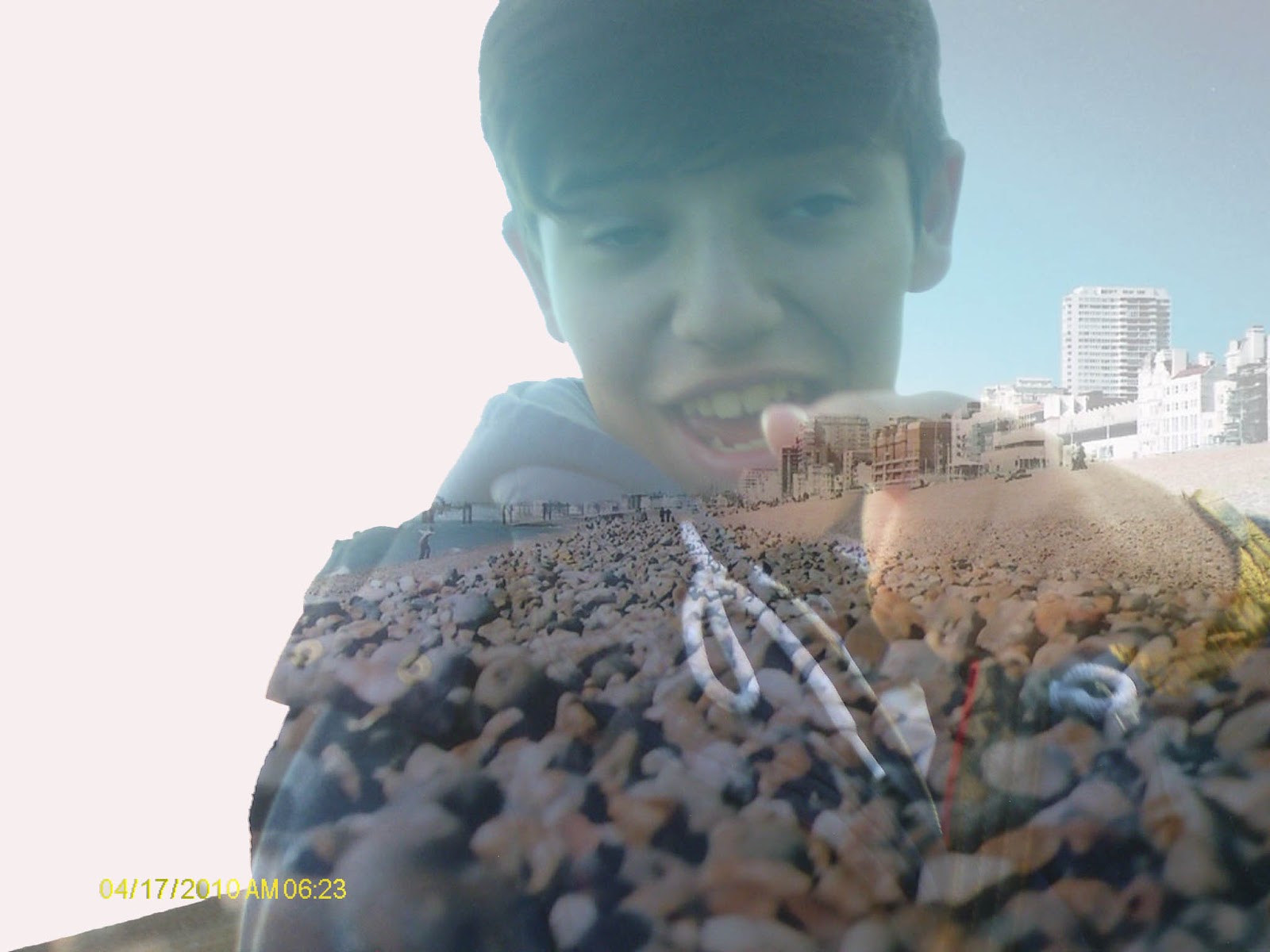
    This is my first attempt using the program photoshop and using this we achieved a effect called double exposure. here is my outcome
    1)